Documentation
USERGUIDE
Scrolling Terminal - User Guide
Getting Started
Installation
git clone https://github.com/jonathanleahy/claud-terminal.git
cd claud-terminal
npm install
npm run dev
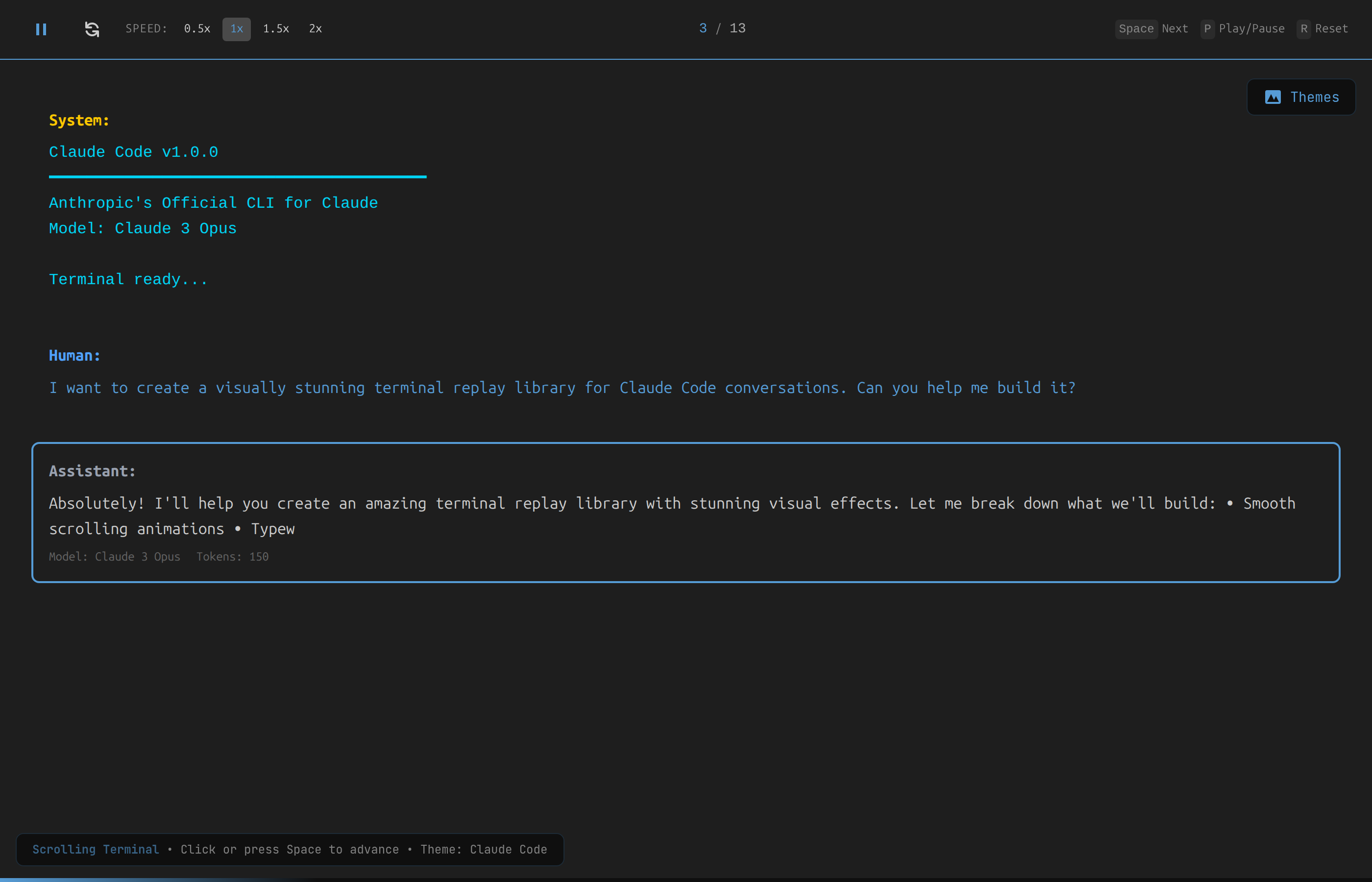
The app opens at http://localhost:5173. It auto-plays through the sample Claude Code conversation on load.
Production Build
npm run build
npm run preview
The dist/ folder contains the static build ready for deployment to any hosting provider.
Controls
Playback Bar
The top control bar provides:
| Control | Description |
|---|---|
| Pause / Play | Toggle auto-advance |
| Reset | Return to the first message |
| Speed (0.5x, 1x, 1.5x, 2x) | Adjust playback speed |
| Message counter (e.g. 3 / 13) | Current position in the conversation |
Keyboard Shortcuts
| Key | Action |
|---|---|
Space or Enter | Advance to next message (or skip typing animation) |
Right Arrow | Next message |
Left Arrow | Previous message |
P | Toggle play / pause |
R | Reset to beginning |
Escape | Stop playback |
Mouse
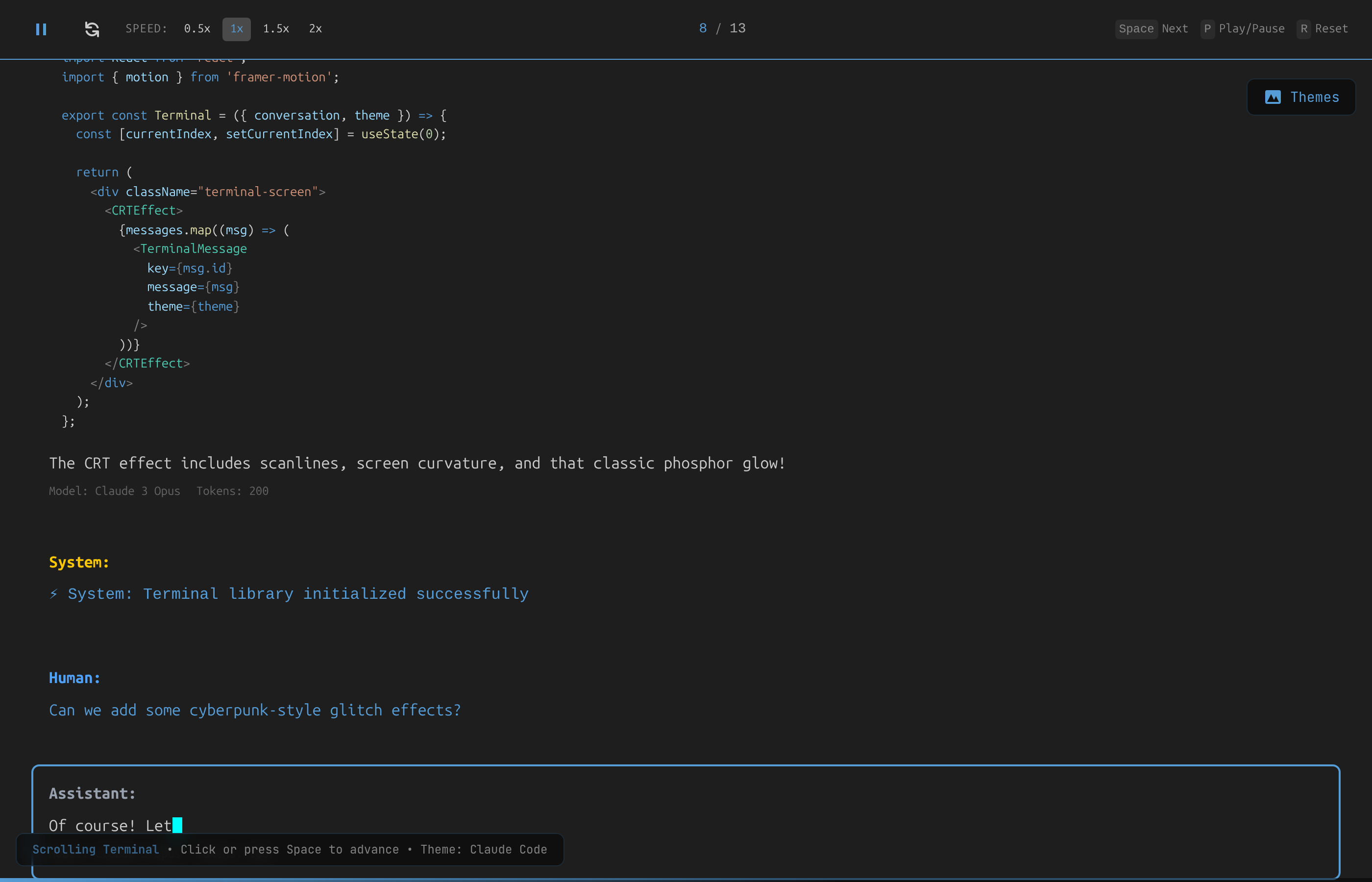
Click anywhere on the terminal area to advance to the next message or skip the current typing animation.
Themes
Click the Themes button (top-right) to open the theme selector panel.
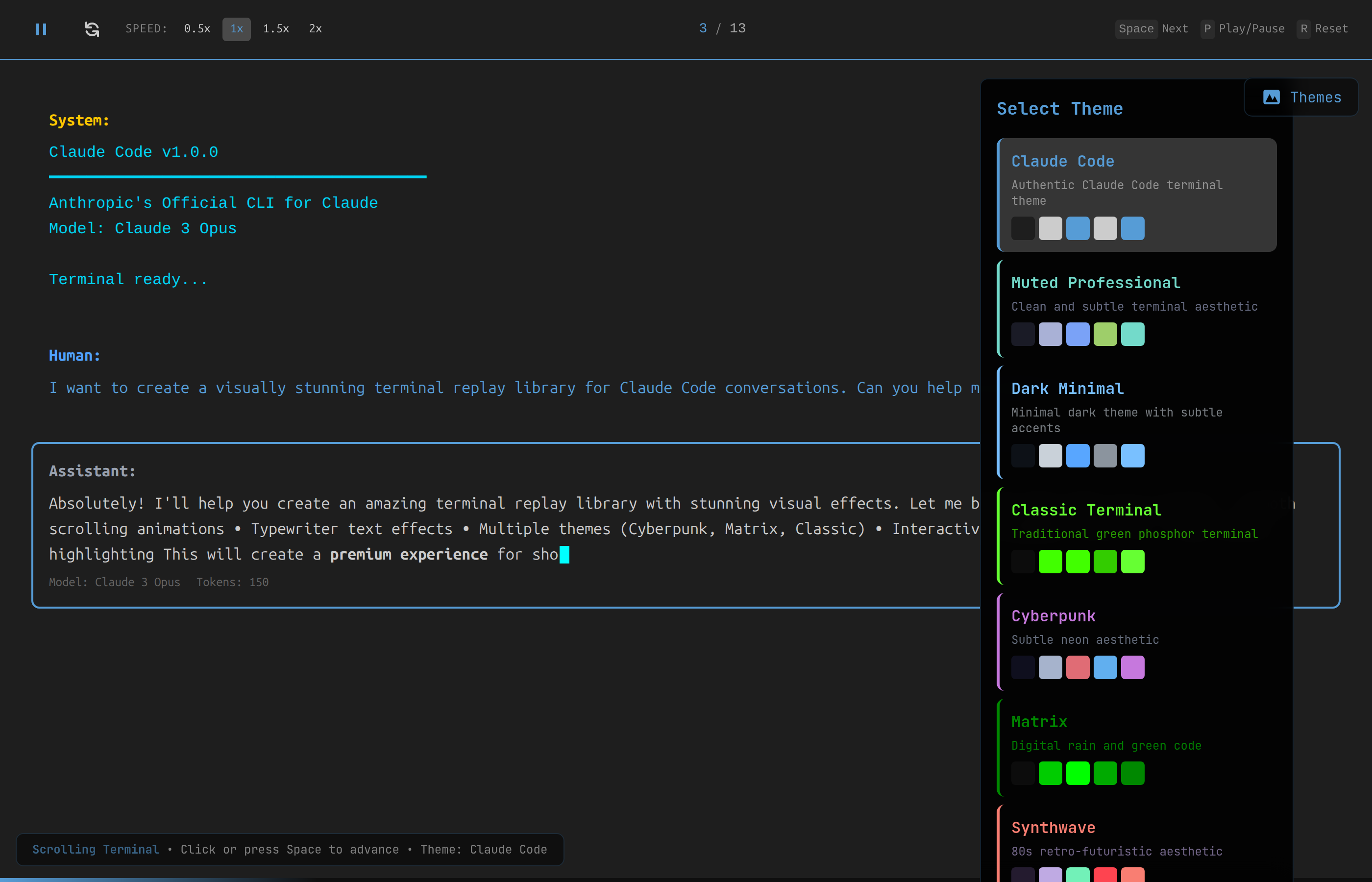
Available Themes
| Theme | Description |
|---|---|
| Claude Code | Clean dark theme matching Anthropic's CLI aesthetic |
| Muted Professional | Soft, professional terminal with subtle colors |
| Dark Minimal | Minimalist dark theme with gentle accents |
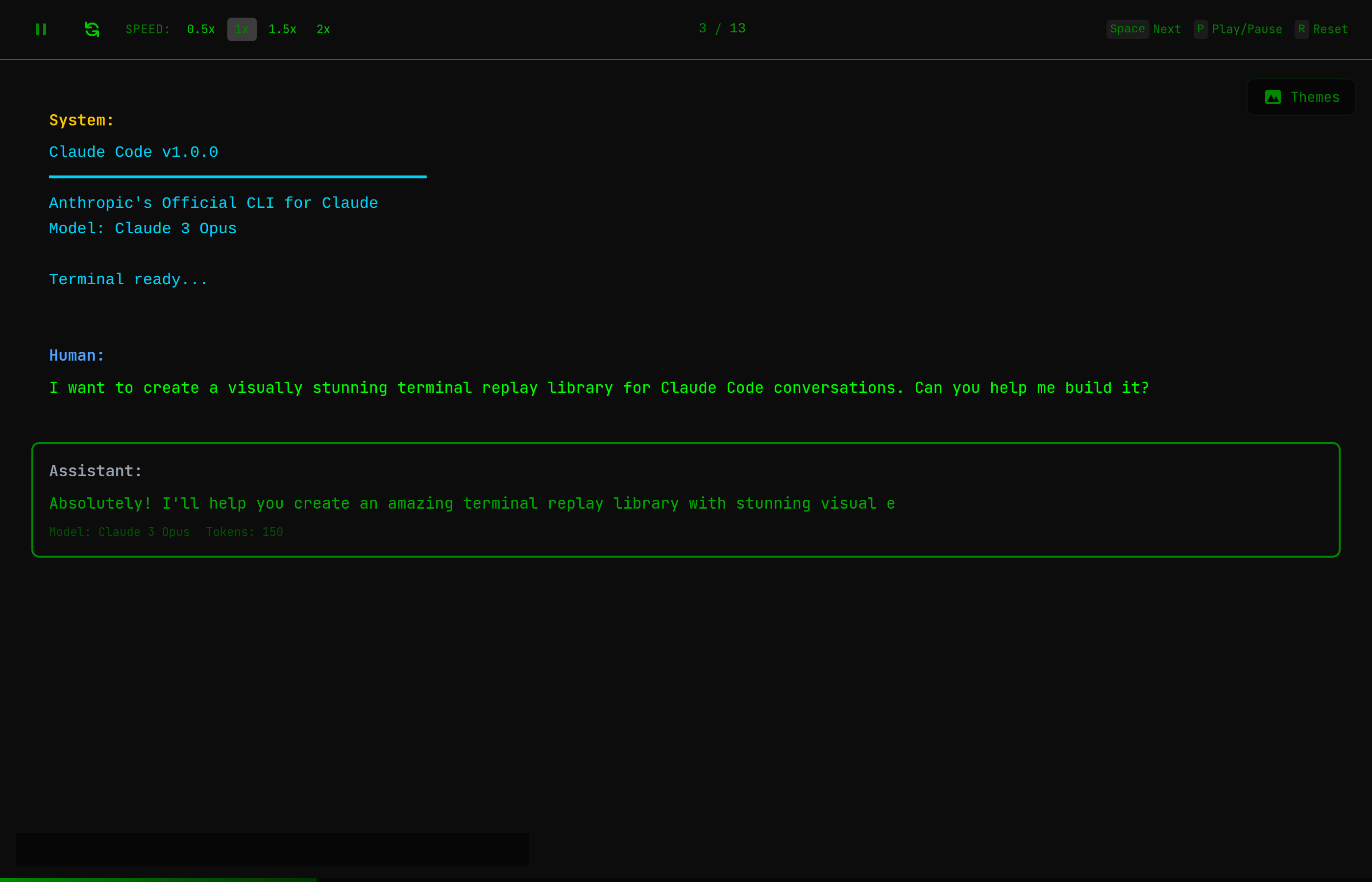
| Classic Terminal | Traditional green phosphor terminal |
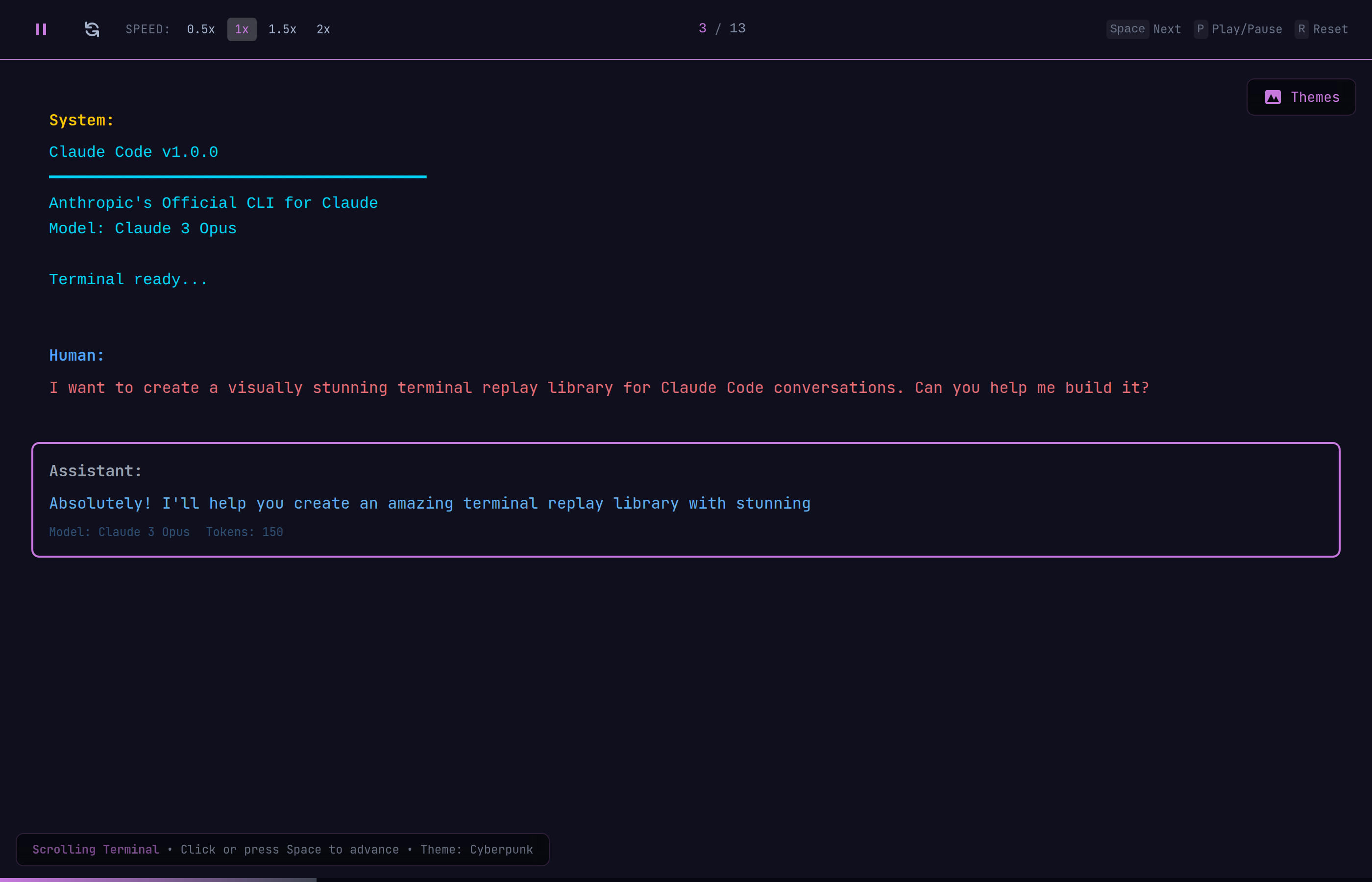
| Cyberpunk | Neon purple/pink with subtle scanlines |
| Matrix | Green-on-black digital rain aesthetic |
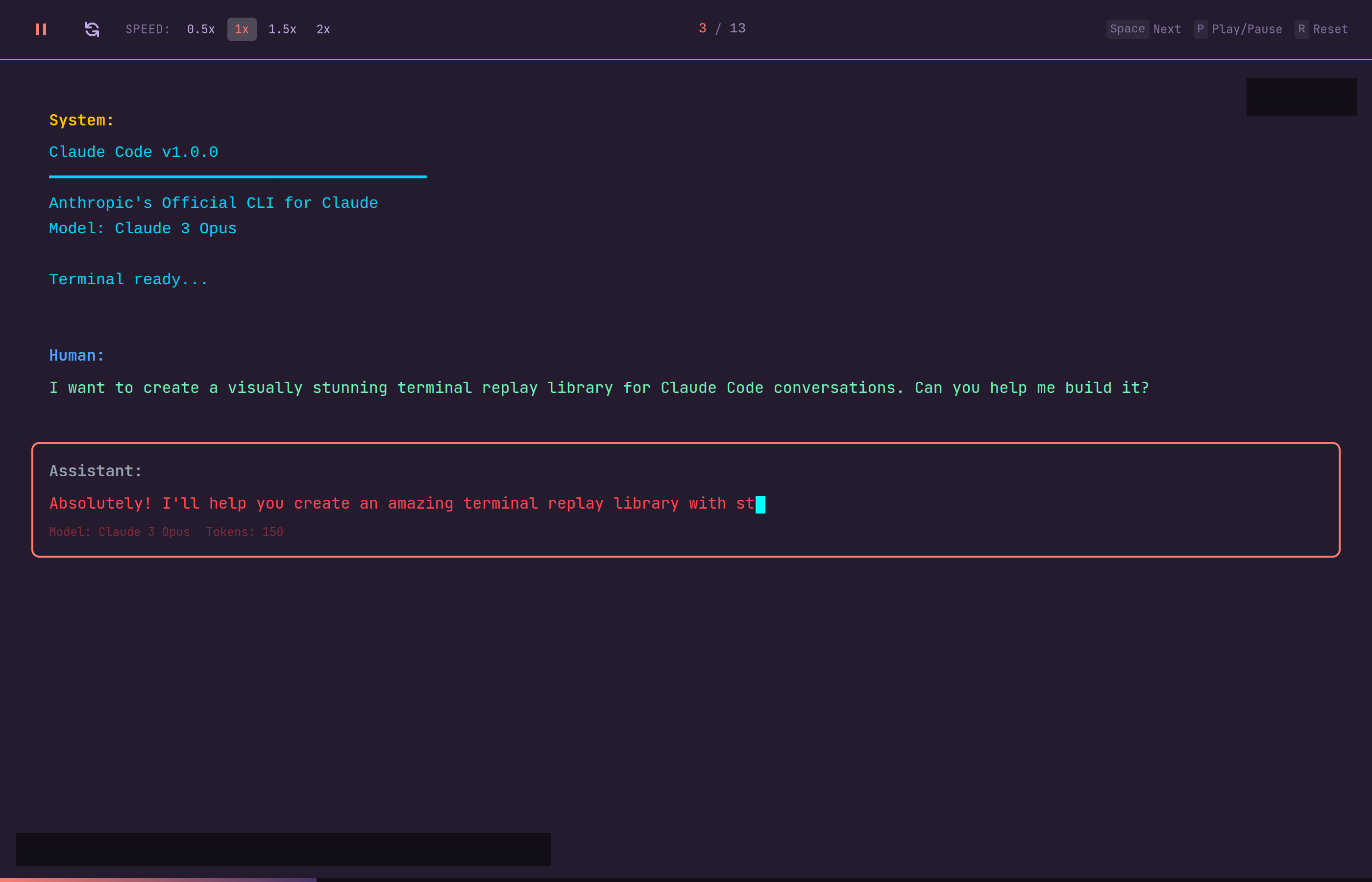
| Synthwave | Retro 80s colors with warm tones |
- Background, foreground, and accent colors
- Prompt and response text colors
- Border glow and highlight colors
- Font rendering style
#### Cyberpunk
#### Synthwave
Effects
Toggle effects from the theme selector panel under the Effects section:
| Effect | Description |
|---|---|
| Typewriter | Character-by-character text animation (on by default) |
| CRT | Scanlines and screen curvature overlay |
| Glitch | Chromatic aberration / glitch effect |
| Particles | Ambient particle effects |
Loading Custom Conversations
To replay your own Claude Code conversations, edit the conversation data in src/demo/sampleConversation.ts. Each message follows this structure:
{
  id: 'unique-id',
  type: 'prompt' | 'response' | 'system',
  content: 'Message text with **markdown** and
### Message Types

- **system** - Startup banners and system notifications (styled with accent color)
- **prompt** - User input (styled in the theme's prompt color)
- **response** - Claude's replies (displayed in a bordered card with the theme's response color)

### Code Blocks

Code blocks in message content are automatically detected and rendered with:
- Prism.js syntax highlighting
- Faster typing speed (2ms/char vs 20ms/char for regular text)
- Language labels

---

## Project Structure
src/ components/ Terminal/ # Main terminal, message renderer, controls Effects/ # CRT overlay, typewriter variants Banner/ # Claude Code header banner hooks/ # Scroll animation, keyboard controls, typewriter styles/ themes/ # Theme definitions (one file per theme) index.css # Global styles, CRT/glitch keyframes types/ # TypeScript type definitions demo/ # Sample conversation data
---

## Embedding

The `<Terminal>` component accepts these props:
Import themes from src/styles/themes and pass any theme object.