Documentation
USER GUIDE
User Guide — London Underground Hotel Finder
A step-by-step guide to finding the best-value hotel for your London commute.
Table of Contents
Overview
The app shows every Premier Inn hotel in London overlaid on a real map of the Underground network. You can browse hotels by price, or enter your workplace postcode to find the best combination of short commute, low price, and easy walk to the station.
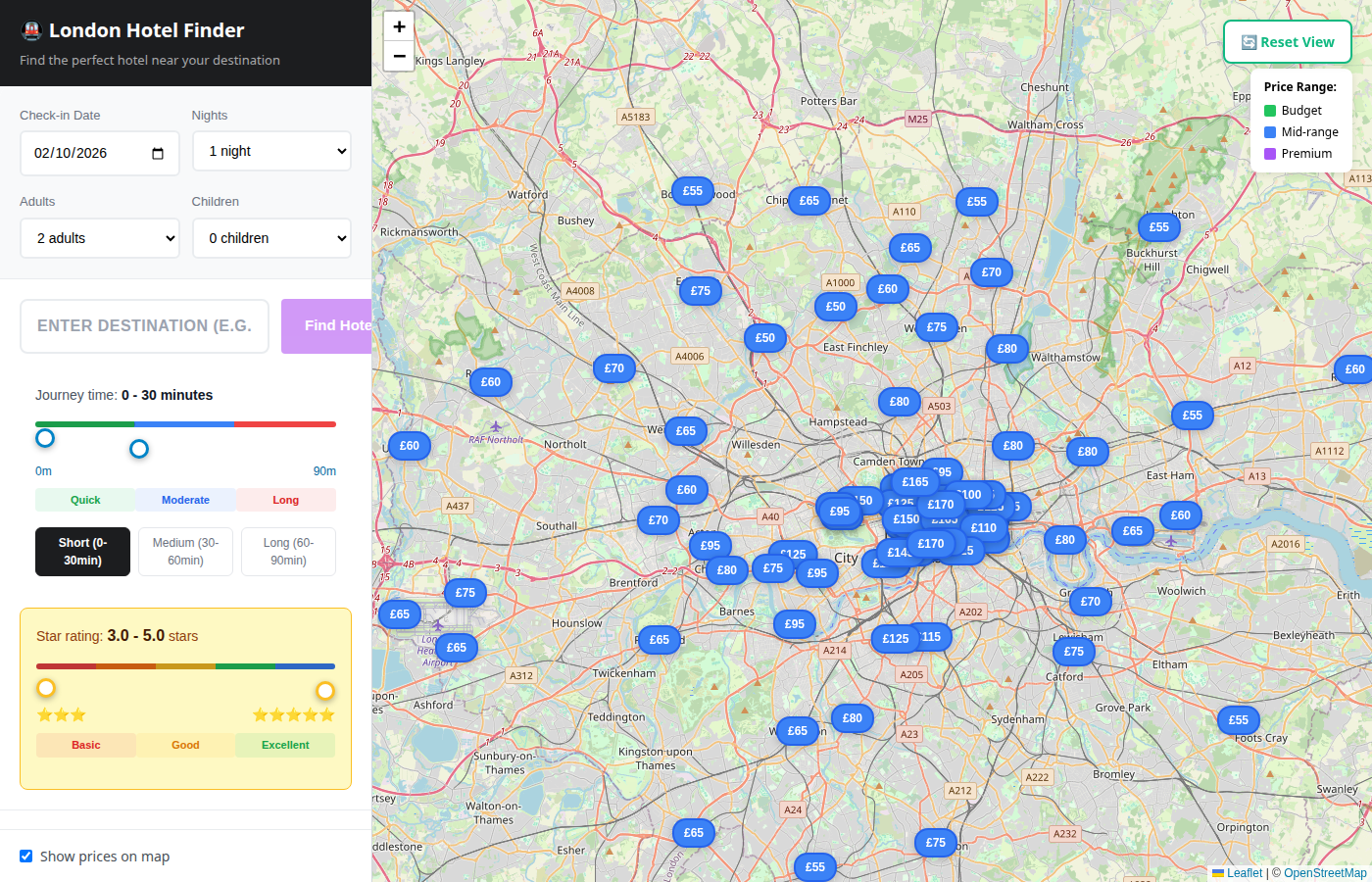
Each blue badge on the map is a hotel displaying its nightly price. The colour changes based on the price range — green for budget, blue for mid-range, and purple for premium.
The Map
Controls
| Control | What it does |
|---|---|
| + / − | Zoom in and out |
| Reset View | Return to the default London-wide view |
| Map toggle | Switch between the Leaflet street map and a Canvas tube-diagram view |
Price badges
When "Show prices on map" is ticked (bottom-left), every hotel marker displays its nightly rate directly on the map so you can scan for deals at a glance.
Price range legend
The legend in the top-right corner shows the colour coding:
- Green — Budget
- Blue — Mid-range
- Purple — Premium
Searching by Postcode
EC2R 8AH) into the destination field on the left panel.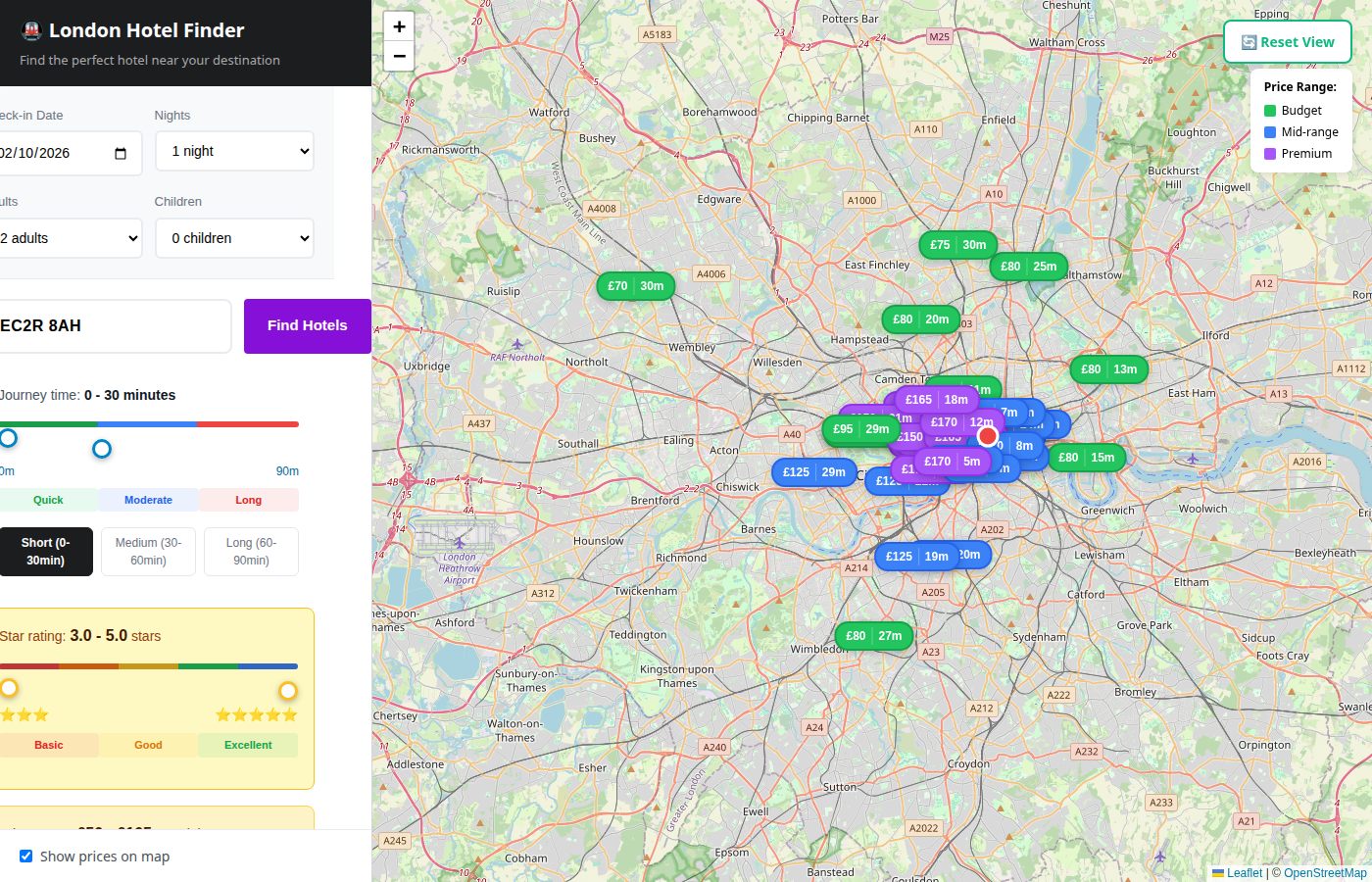
The app will:
- Look up the GPS coordinates of your postcode.
- Calculate the commute from every hotel to your workplace via the nearest Underground stations.
- Rank hotels by a weighted score combining journey time, nightly price, and walking distance to the station.
- Zoom the map to the area around the best results, with commute times shown on each badge.
Filtering Results
Use the controls on the left panel to narrow down hotels.
Journey time slider
Drag the slider to set your maximum acceptable commute. The colour bar beneath shows three bands:
| Band | Duration |
|---|---|
| Short | 0 – 30 min |
| Medium | 30 – 60 min |
| Long | 60 – 90 min |
Star rating slider
Set the minimum star rating (3.0 – 5.0). Hotels below this threshold are hidden.
Check-in date and nights
Use the date picker and nights dropdown to specify your stay. The pricing algorithm factors in day-of-week demand, so prices shift depending on the dates selected.
Adults and children
Select the number of guests. This is passed through to the Premier Inn booking link.
Hotel Detail Panel
Click any hotel badge on the map — or click a hotel in the results list — to open the detail panel.
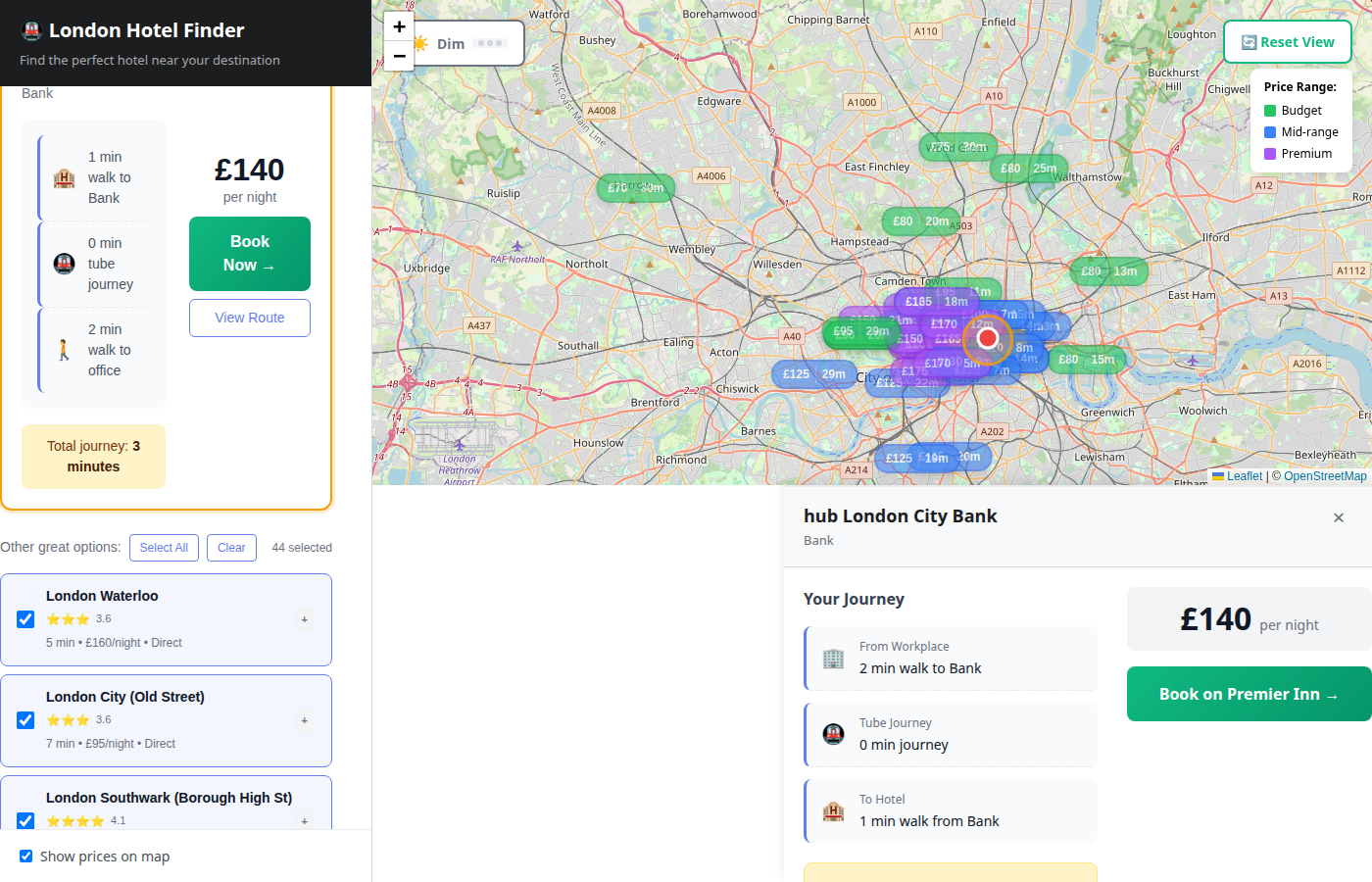
The panel shows:
- Hotel name and price per night
- Nearest Underground stations with walking time for each
- Your journey breakdown — walk to station, tube travel, walk from station to your workplace
- Total commute time
- Book on Premier Inn button linking directly to the hotel's booking page
Booking a Hotel
Once you've found a hotel you like:
The booking link opens in a new tab. Your check-in date and guest details are included in the URL.
Mobile Usage
The app is fully responsive. On smaller screens the search panel stacks above the map, and all filters remain accessible.
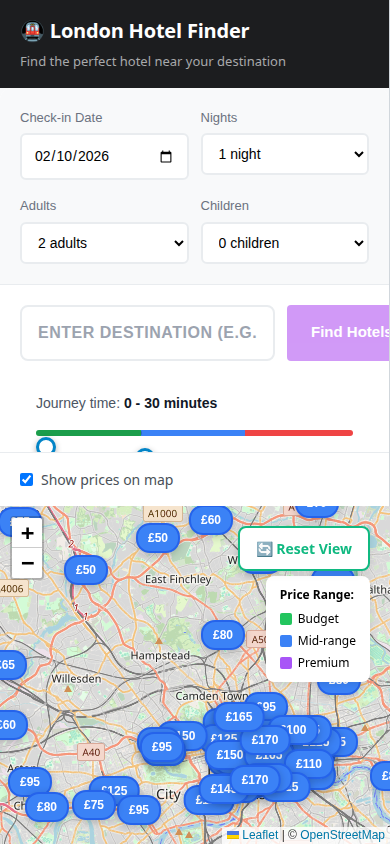
Tap a hotel badge on the map to open the detail panel. Use the Reset View button to return to the full London view if you get lost while panning.
Tips
- Start broad, then narrow — enter your postcode first, then tighten the journey-time slider to cut down the list.
- Check multiple dates — prices can vary significantly between weekdays and weekends.
- Look at walking time — a hotel with a slightly longer tube ride but a 2-minute walk to the station can beat one with a shorter ride but a 15-minute walk.
- Use the star rating filter to quickly remove lower-rated options if quality matters more than price.