README
Diagram Animation Editor
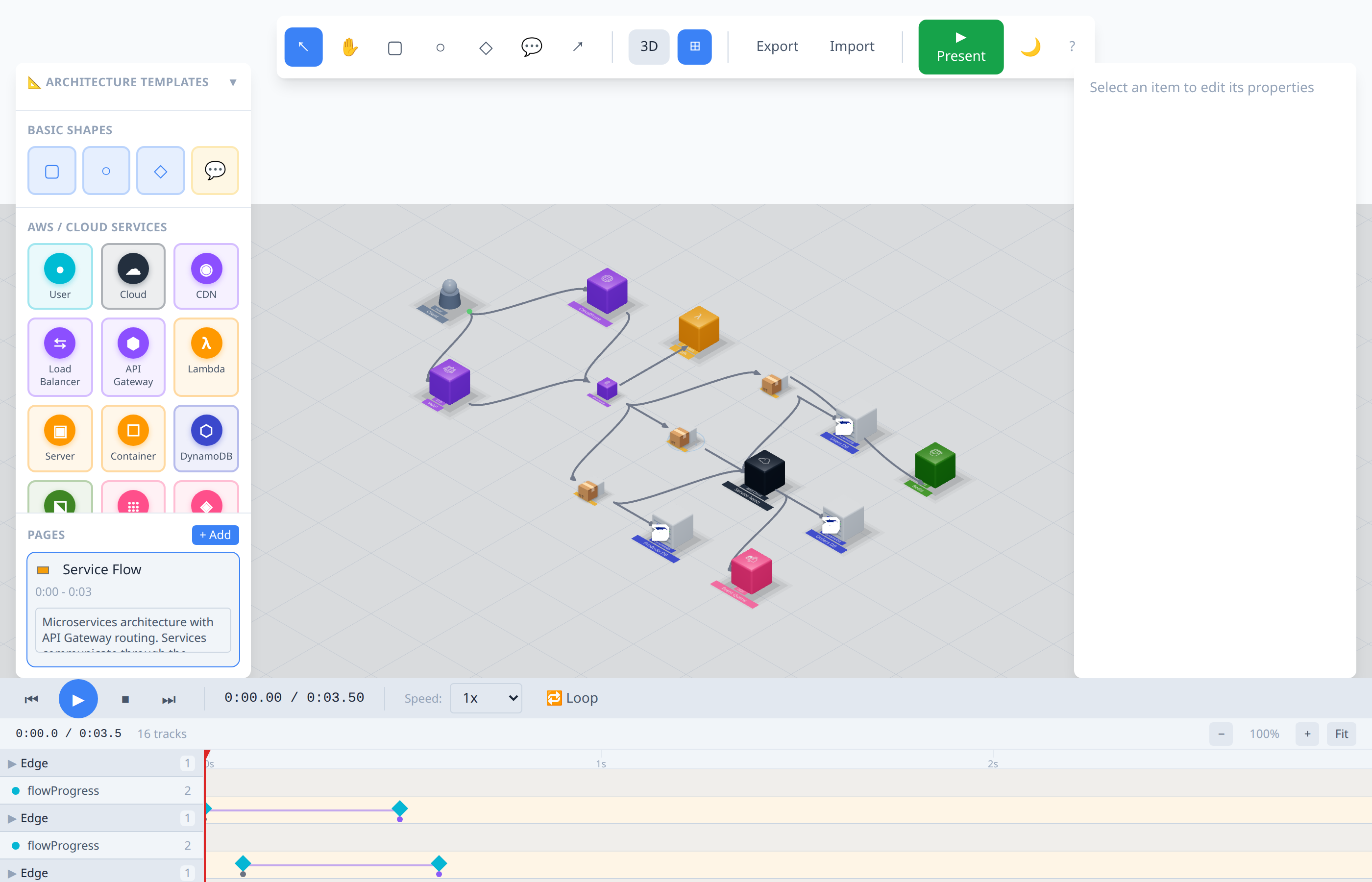
A powerful 3D diagram animation editor for creating animated architecture diagrams and system visualizations. Built with React, Three.js, and TypeScript.
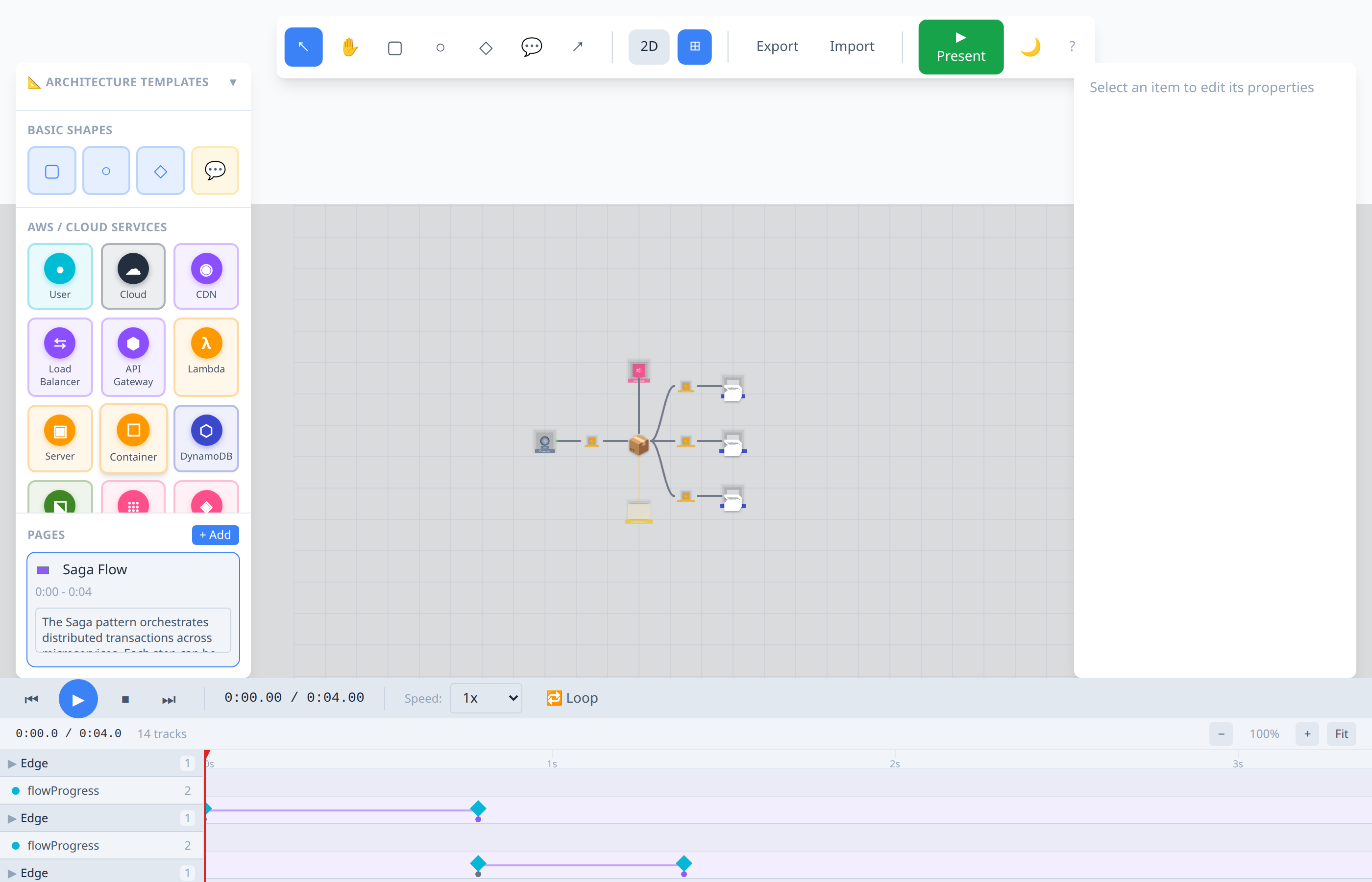
3D Isometric Views
| CI/CD Pipeline | Kubernetes Cluster |
|---|---|
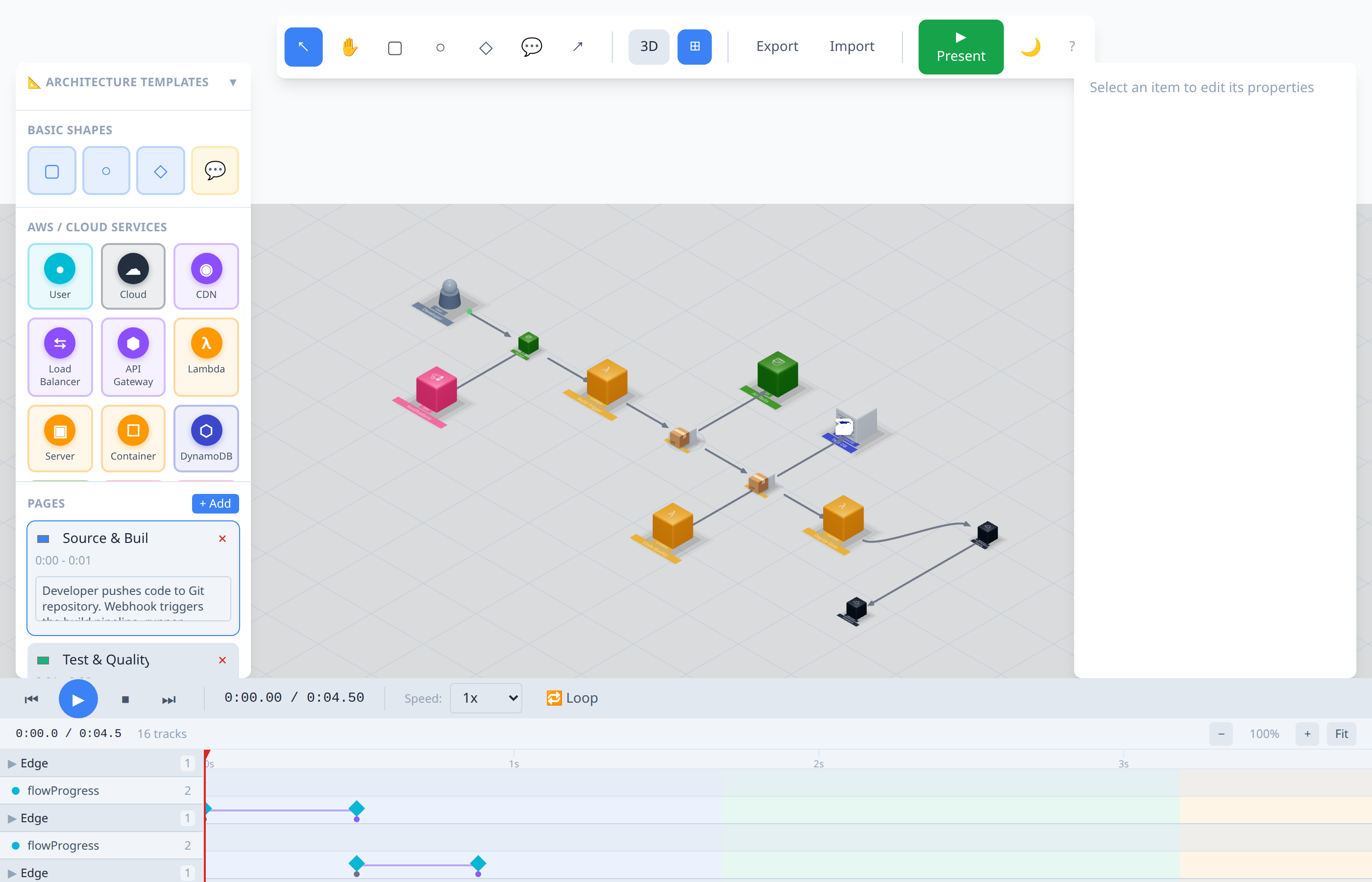 | 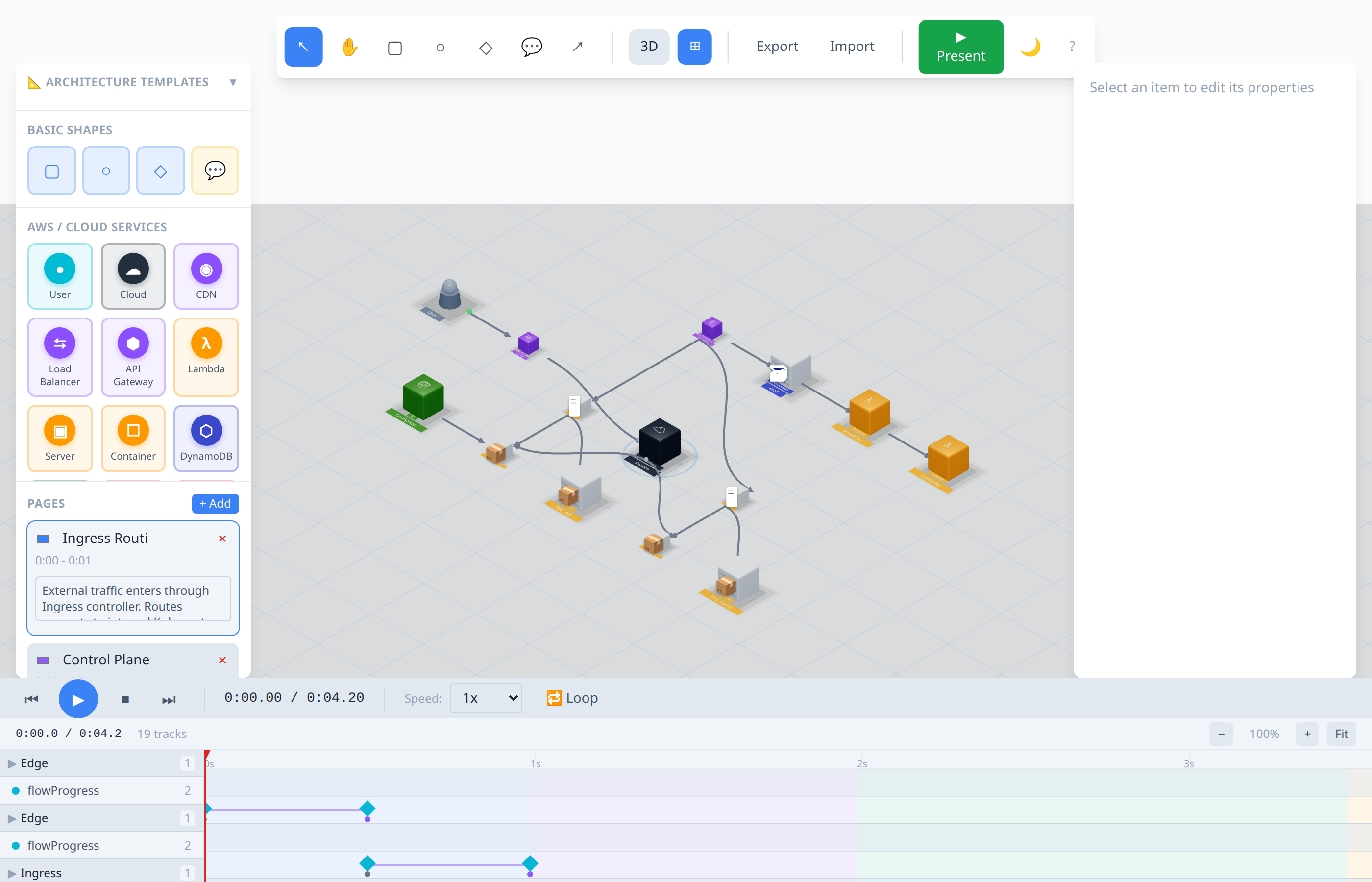 |
| Saga Pattern | Microservices |
|---|---|
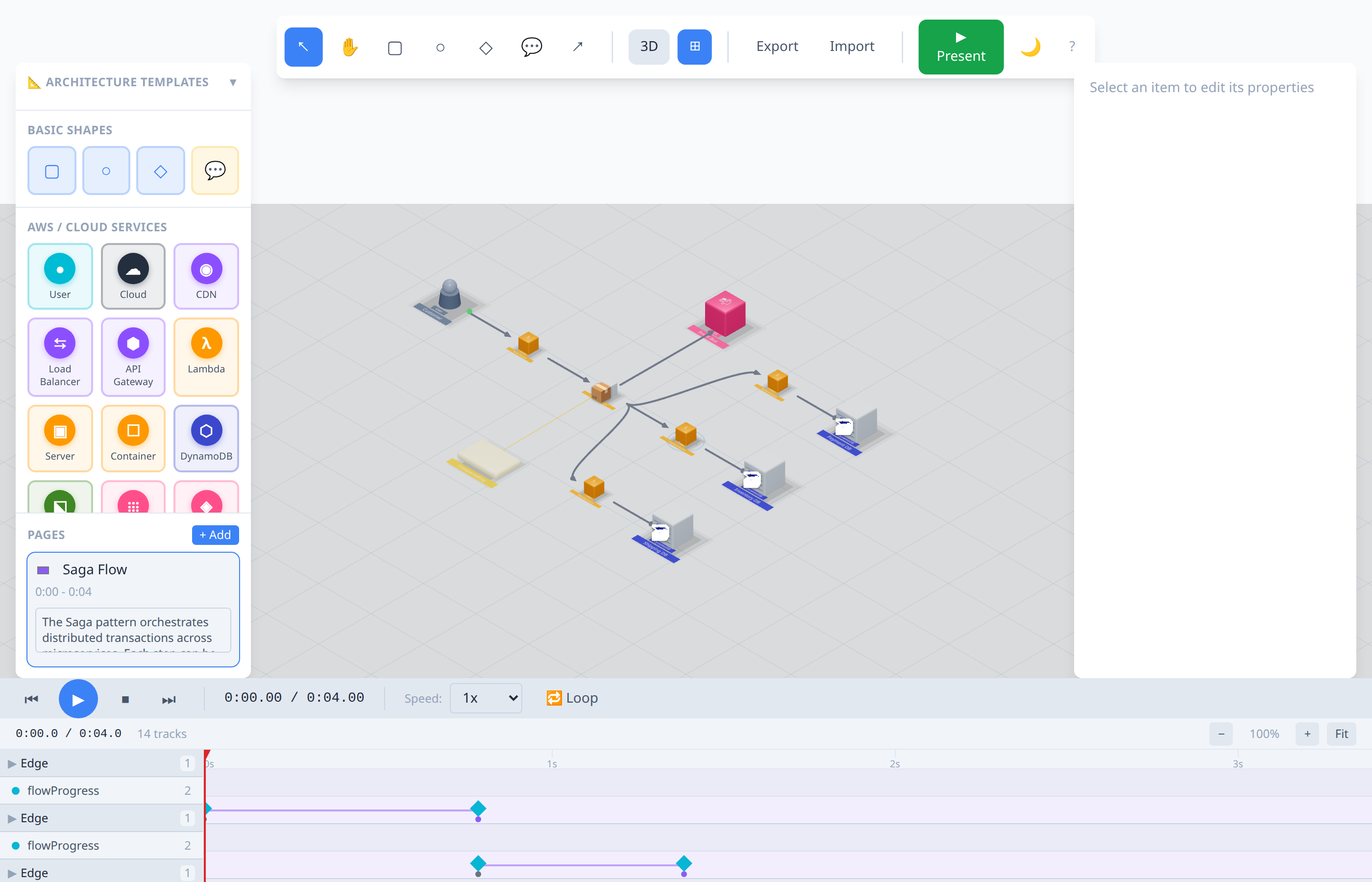 |  |
Features
Diagram Creation
- Node Types: Database, Server, Cloud, API, Lambda, Storage, Queue, CDN, Load Balancer, Container, User, SNS, and basic shapes
- Edge Types: Straight, Bezier, and Orthogonal connections
- Cloud-style Isometric View: Cloudcraft-inspired 3D isometric rendering
- 2D/3D Toggle: Switch between top-down and isometric views
Animation System
- Timeline Editor: Visual timeline for keyframe-based animations
- Animatable Properties: Position, opacity, scale, rotation, fill color, flow progress
- Flow Animations: Animated data flow along edges
- Easing Functions: Linear, ease-in, ease-out, ease-in-out
Animation Presets
Reusable animation sequences for common patterns:| Category | Presets |
|---|---|
| Entrance | Fade In, Scale In, Slide In, Drop In |
| Emphasis | Pulse, Shake, Glow |
| Exit | Fade Out, Scale Out |
| Flow | Flow Progress, Flow Pulse |
| Sequence | Cascade Reveal, Simultaneous Reveal, Highlight Path |
Presentation Mode
- Step Mode: Pause at each page, advance with click/Space/Enter
- Continuous Mode: Auto-play through all pages
- Camera Follow: Camera tracks the active animation
- Keyboard Controls: Full keyboard navigation
- Page Indicators: Visual progress through presentation
Built-in Templates
Pre-built architecture diagrams ready to use:#### Simple Templates
- Basic Web App
- Load Balancer
- Cache Pattern
- Pub/Sub
- API Gateway
- Serverless
- Saga Pattern (Distributed Transactions)
- Message Queue (Event-Driven Architecture)
- Database Transactions (ACID & Replication)
- Event Sourcing (CQRS Pattern)
- Microservices (Service Mesh)
- Circuit Breaker (Resilience Pattern)
- Shadow Proxy (Migration Pattern)
- CI/CD Pipeline
- Kubernetes Cluster
- Event-Driven Architecture
- Data Pipeline (ETL/ELT)
Documentation
For a detailed walkthrough with screenshots, see the User Guide.
Getting Started
Prerequisites
- Node.js 18+
- npm or yarn
Installation
bash
# Clone the repository
git clone https://github.com/jonathanleahy/pres-networking.git
cd pres-networking

# Install dependencies
cd frontend
npm install

# Start development server
npm run dev
The application will be available at http://localhost:3001
Building for Production
bash
npm run build
Keyboard Shortcuts
General
| Key | Action |
|---|---|
? | Show keyboard shortcuts help |
Cmd/Ctrl + K | Open command palette |
Cmd/Ctrl + Shift + A | Open animation templates |
Playback
| Key | Action |
|---|---|
Space | Play/Pause animation |
Home | Go to start |
End | Go to end |
Left Arrow | Step backward |
Right Arrow | Step forward |
Presentation Mode
| Key | Action |
|---|---|
Space/Enter | Advance to next step |
Left Arrow | Previous page |
M | Toggle step/continuous mode |
ESC | Exit presentation |
View
| Key | Action |
|---|---|
2 | Switch to 2D view |
3 | Switch to 3D isometric view |
G | Toggle grid |
T | Toggle theme (dark/light) |
Editing
| Key | Action |
|---|---|
Delete/Backspace | Delete selected |
Cmd/Ctrl + Z | Undo |
Cmd/Ctrl + Shift + Z | Redo |
Cmd/Ctrl + C | Copy |
Cmd/Ctrl + V | Paste |
Project Structure
shell
frontend/
├── src/
│   ├── components/
│   │   ├── canvas/          # 3D canvas and node rendering
│   │   ├── presentation/    # Presentation mode components
│   │   ├── timeline/        # Timeline editor
│   │   └── ui/              # UI components
│   ├── stores/              # Zustand state management
│   ├── hooks/               # Custom React hooks
│   ├── types/               # TypeScript types
│   └── utils/               # Utilities and templates
├── public/
└── package.json
Technology Stack
- React 18 - UI framework
- Three.js - 3D rendering
- React Three Fiber - React renderer for Three.js
- React Three Drei - Useful helpers for R3F
- Zustand - State management
- TypeScript - Type safety
- Tailwind CSS - Styling
- Vite - Build tool
Usage Examples
Creating a Diagram from Template
Starting a Presentation
Creating Custom Animations
Contributing
git checkout -b feature/amazing-feature)git commit -m 'Add amazing feature')git push origin feature/amazing-feature)License
This project is licensed under the MIT License - see the LICENSE file for details.
Acknowledgments
- Inspired by Cloudcraft for isometric cloud diagrams
- Built with React Three Fiber
- Icons from various open-source icon sets