Back to Code Prints
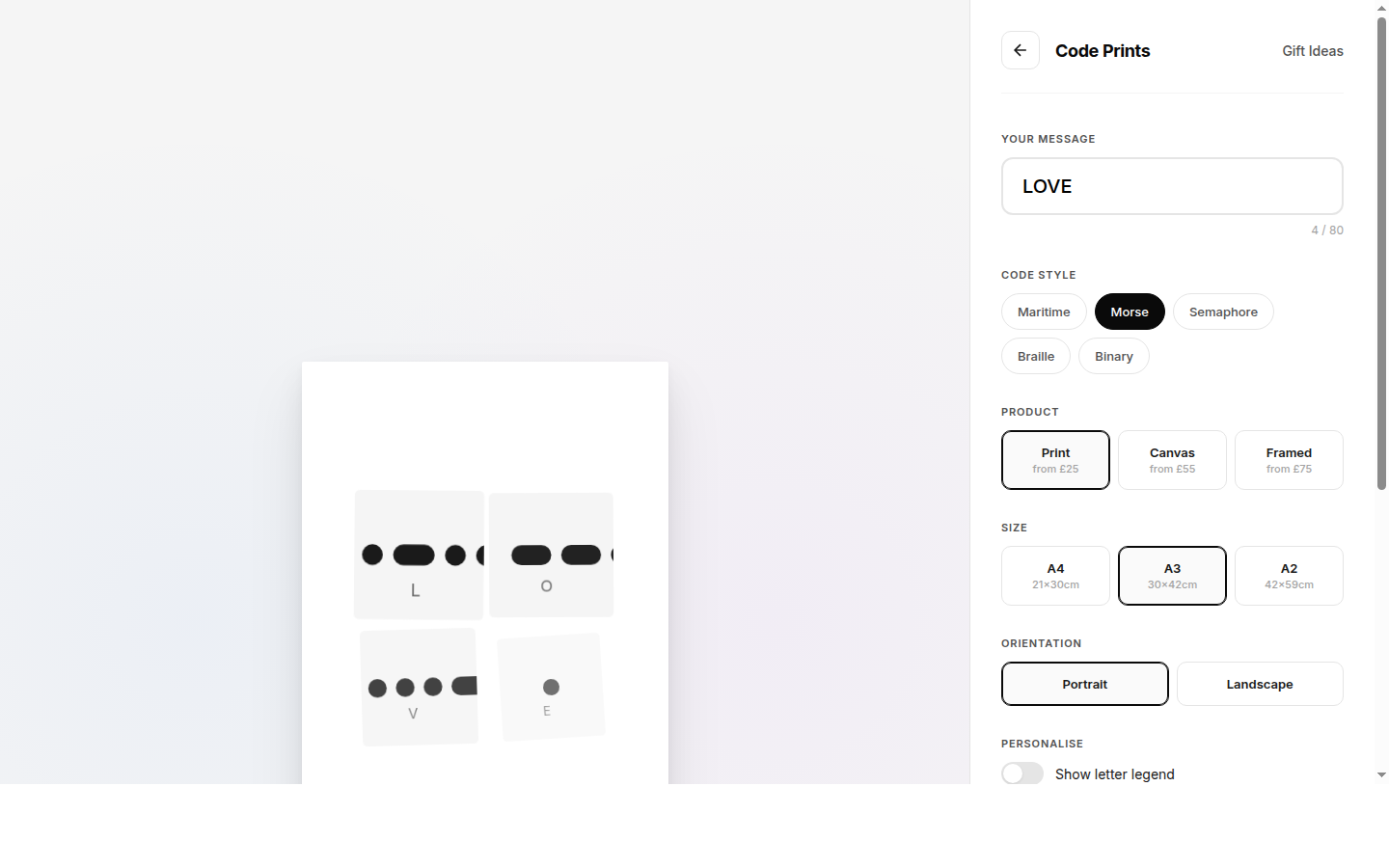
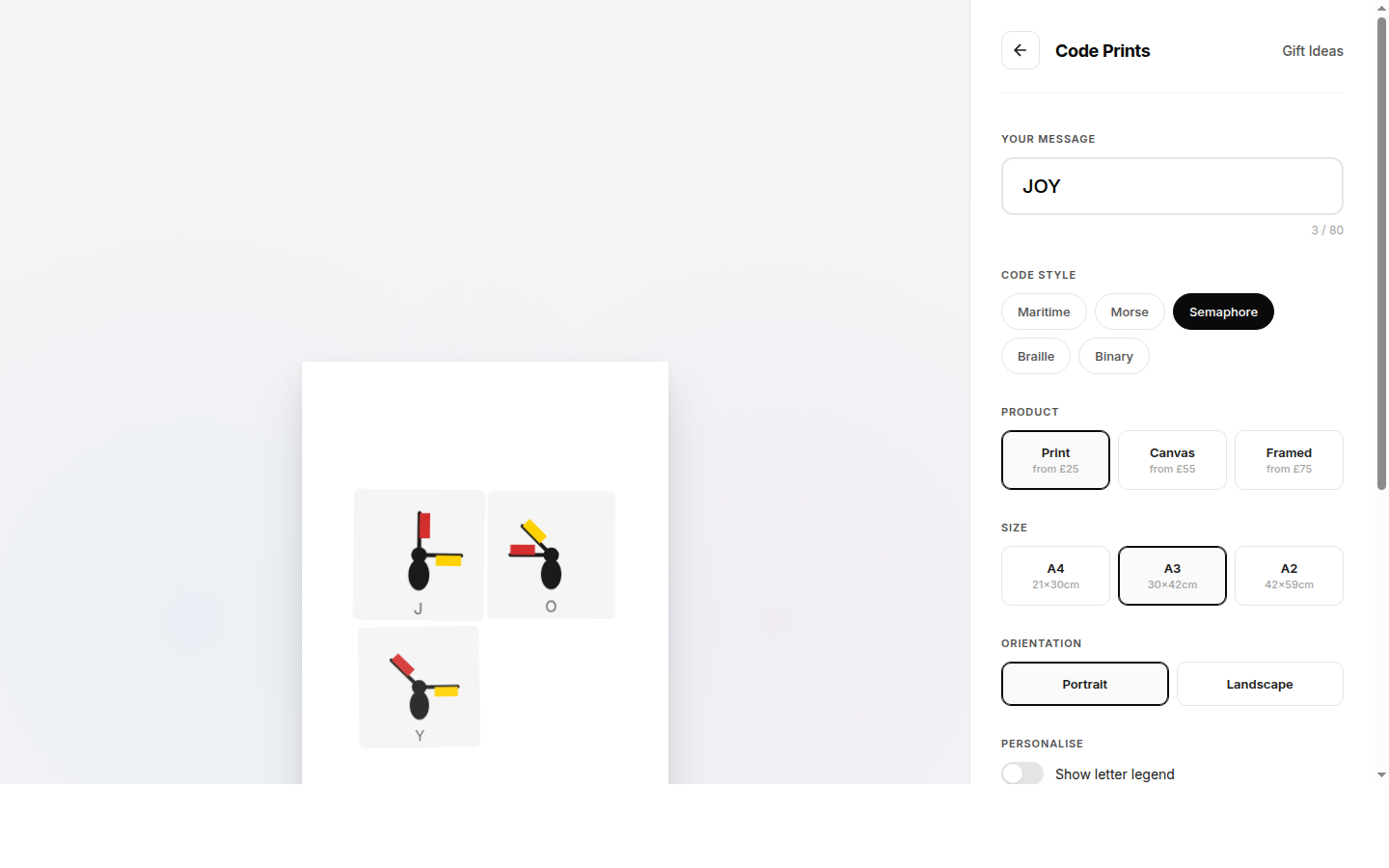
This allows linking directly to a pre-configured design from the homepage, gift cards, or external sources.
Documentation
USER GUIDE
Code Prints - User Guide
Transform names, quotes, and messages into beautiful wall art using maritime signal flags, Morse code, semaphore, and more.
Pages Overview
Homepage
The landing page showcases the three main code styles, scrolling demo strip, use case ideas, customer reviews, and a step-by-step overview of how the service works.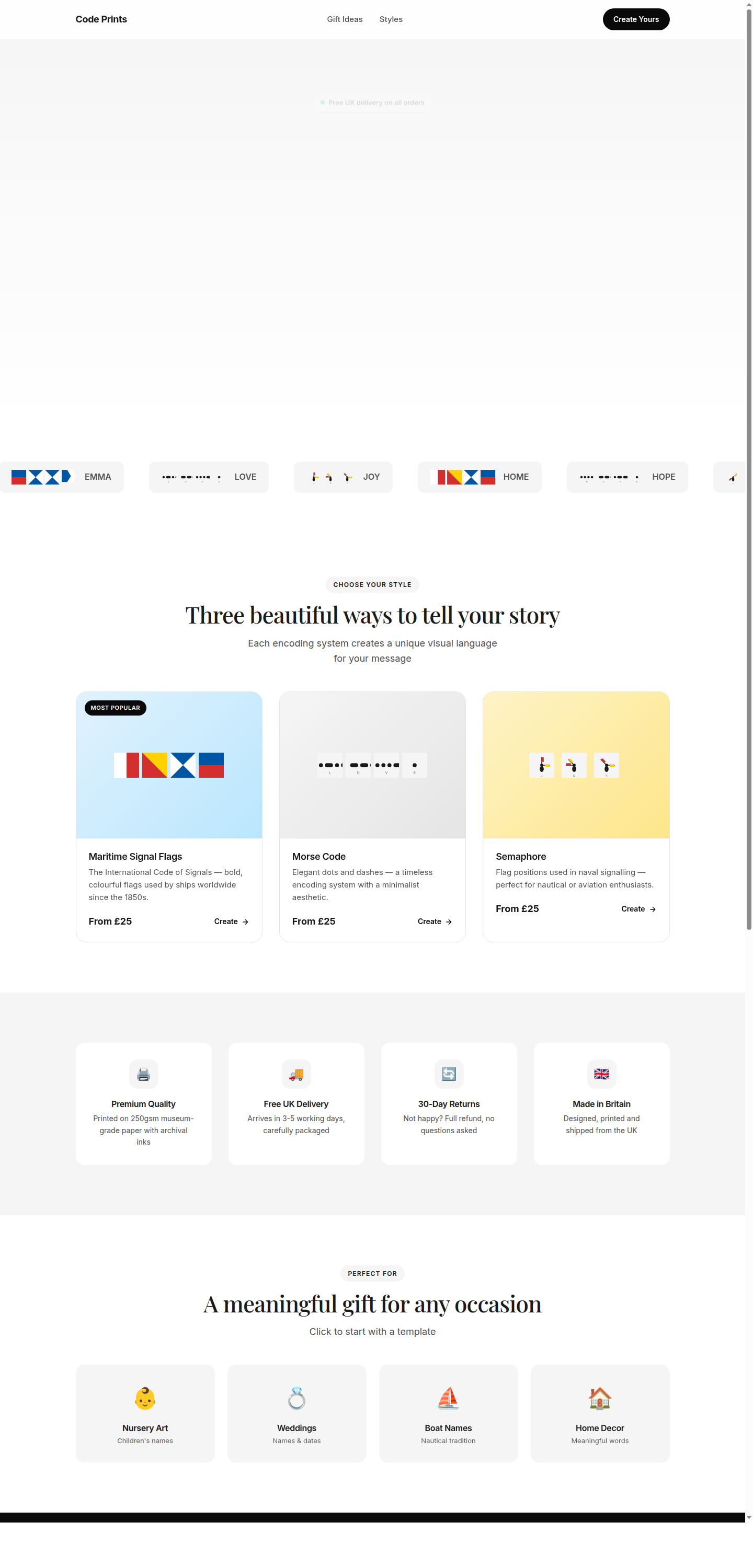
Poster Builder
The interactive builder is the core of the app. Design your poster in real-time with a live preview on the left and controls on the right.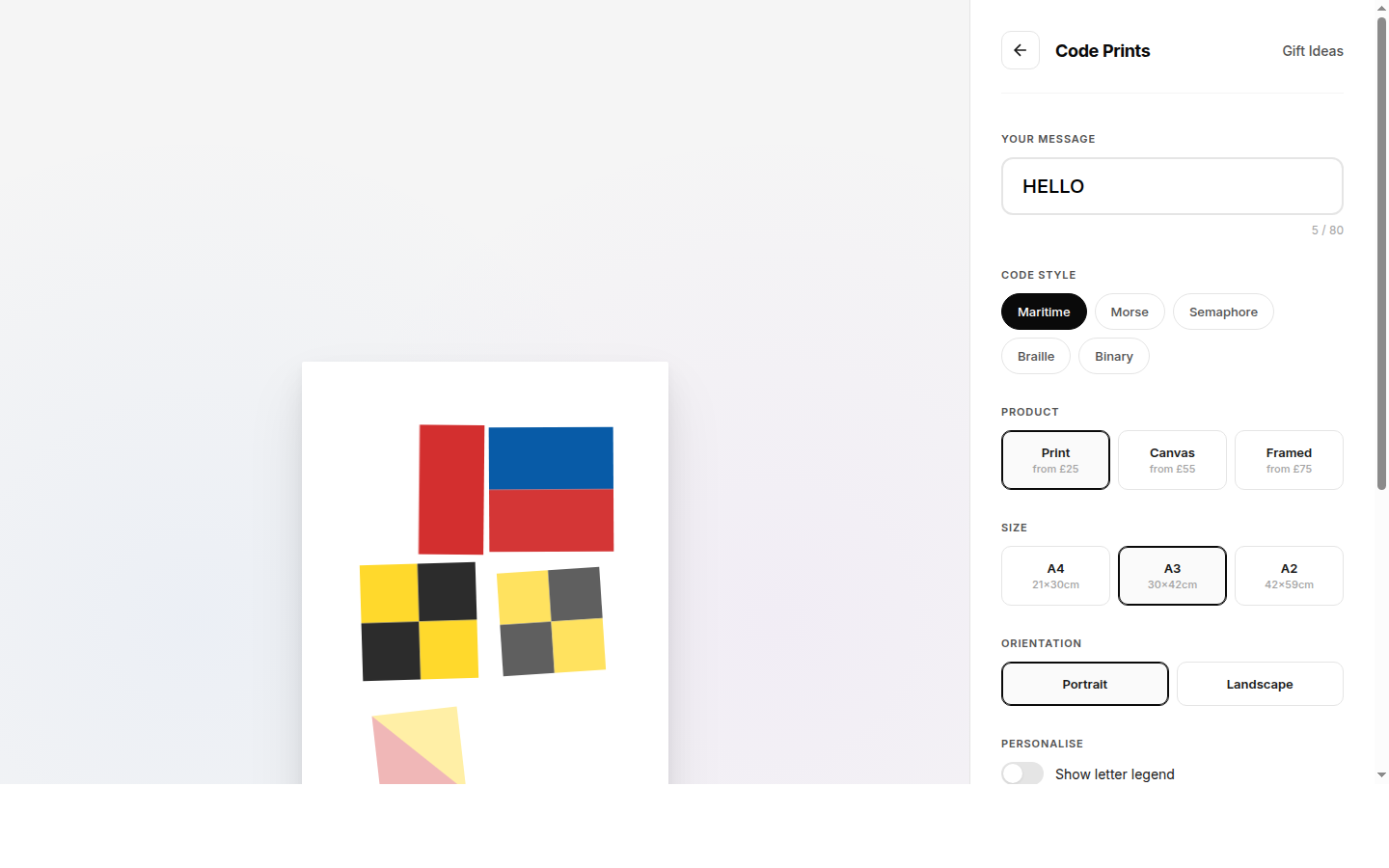
Gift Ideas
Browse curated gift suggestions by occasion — weddings, new babies, housewarmings, graduations, sailors, and memorials. Clicking a card opens a customisation modal.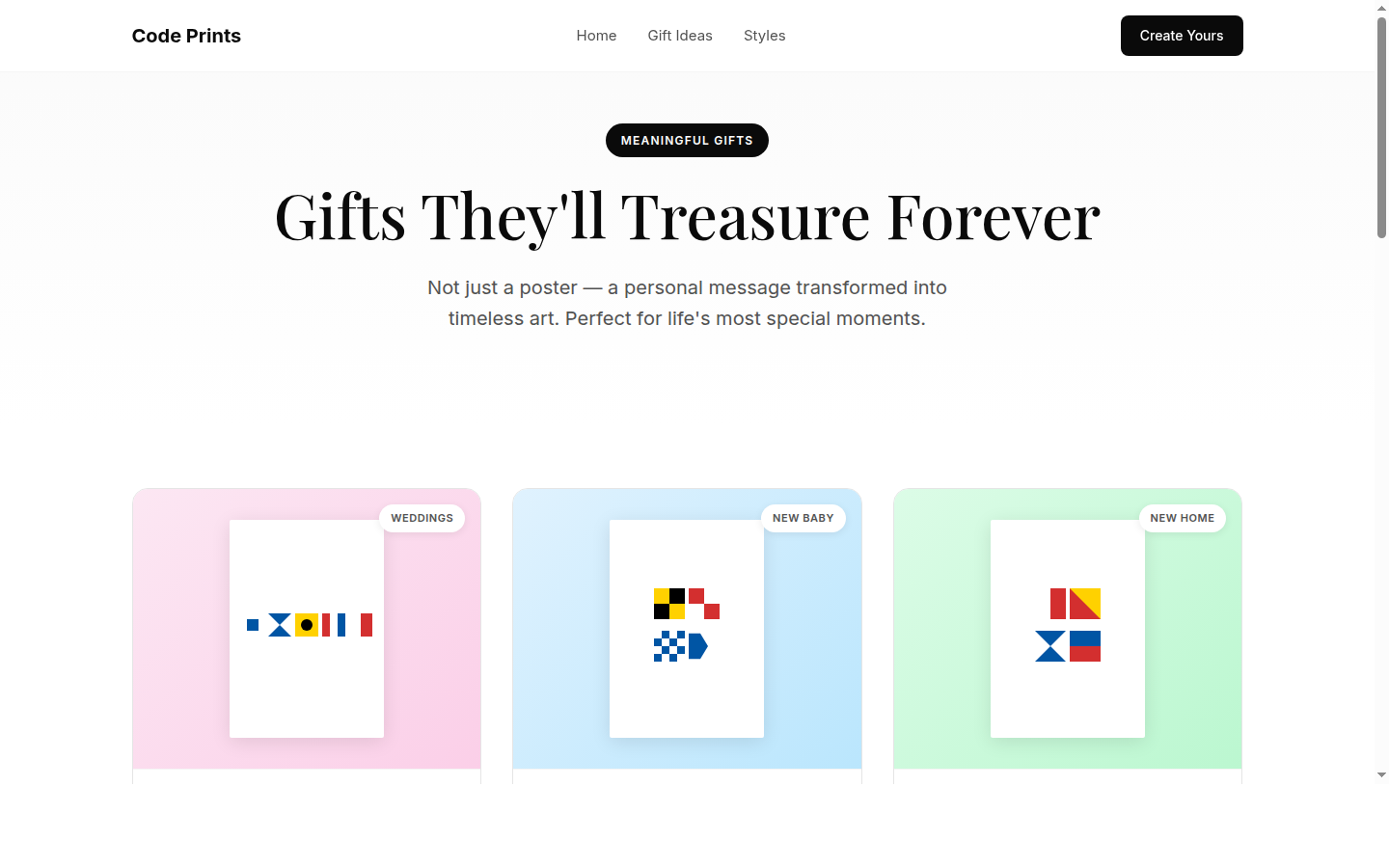
Using the Poster Builder
1. Enter Your Message
Type any name, word, date, or phrase (up to 80 characters) in the Your Message field. The poster preview updates in real-time as you type. Text is automatically converted to uppercase.2. Choose a Code Style
Select from five visual encoding systems:| Style | Description |
|---|---|
| Maritime | International Code of Signals — bold, colourful flags used by ships worldwide since the 1850s |
| Morse | Dots and dashes telegraph system — minimalist and modern |
| Semaphore | Flag signalling positions used in naval communication |
| Braille | Tactile writing system rendered as dot patterns |
| Binary | Base-2 number system — each character shown as its ASCII binary value |
3. Select Product Type
Choose how your poster will be produced:| Product | Starting Price |
|---|---|
| From £25 | |
| Canvas | From £55 |
| Framed | From £75 |
4. Pick a Size
| Size | Dimensions |
|---|---|
| A4 | 21 x 30 cm |
| A3 | 30 x 42 cm |
| A2 | 42 x 59 cm |
5. Set Orientation
Choose between Portrait (vertical) or Landscape (horizontal). The poster grid automatically recalculates the optimal column layout for your message length and orientation.6. Personalise
- Show letter legend — Toggle on to display a key at the bottom of the poster mapping each symbol back to its letter
- Add dedication — Type an optional message (e.g., "For Emma, with love") that appears as italic text at the bottom of the poster
7. Add to Cart
The total price updates automatically based on your product and size selections. Click Add to Cart when you're happy with the design.Gift Ideas Page
The gifts page provides pre-configured templates for common occasions:
- Wedding & Anniversary — Couple's surname + wedding year in maritime flags
- New Baby — Baby's name, optional birth date and weight
- Housewarming — "HOME", address number, or family name
- Graduation — Year in Morse code with optional name and degree
- Sailing Enthusiasts — Boat names or nautical messages
- In Loving Memory — Names, meaningful words, or dates
URL Parameters
The builder supports deep-linking via URL parameters:
shell
builder.html?code=maritime&message=HELLO
| Parameter | Values |
|---|---|
code | maritime, morse, semaphore, braille, binary |
message | Any text (URL-encoded) |
State Persistence
The builder automatically saves your current design to localStorage. When you return to the page, your previous message, code style, product, size, orientation, legend toggle, and dedication are all restored. URL parameters override saved state when present.
Project Structure
shell
├── index.html          # Landing page
├── builder.html        # Interactive poster builder
├── gifts.html          # Gift ideas by occasion
├── js/
│   ├── app-simple.js   # Builder application logic
│   ├── codes.js        # Visual encoding libraries (Morse, Semaphore, Braille, Binary, etc.)
│   └── flags.js        # Maritime signal flag SVG library (A-Z, 0-9)
├── css/
│   └── styles.css      # Shared styles
├── assets/             # Static assets
└── docs/
    ├── USER_GUIDE.md   # This file
    └── screenshots/    # Application screenshots
Running Locally
Serve the project with any static HTTP server:
bash
python3 -m http.server 8080Then open http://localhost:8080 in your browser.