Back to Chess Training App
You can also click any move in the move list on the right to jump directly to that position.
Documentation
game review
Game Review
Review any completed game move by move, with evaluation and annotations for every position.
Accessing Your Games
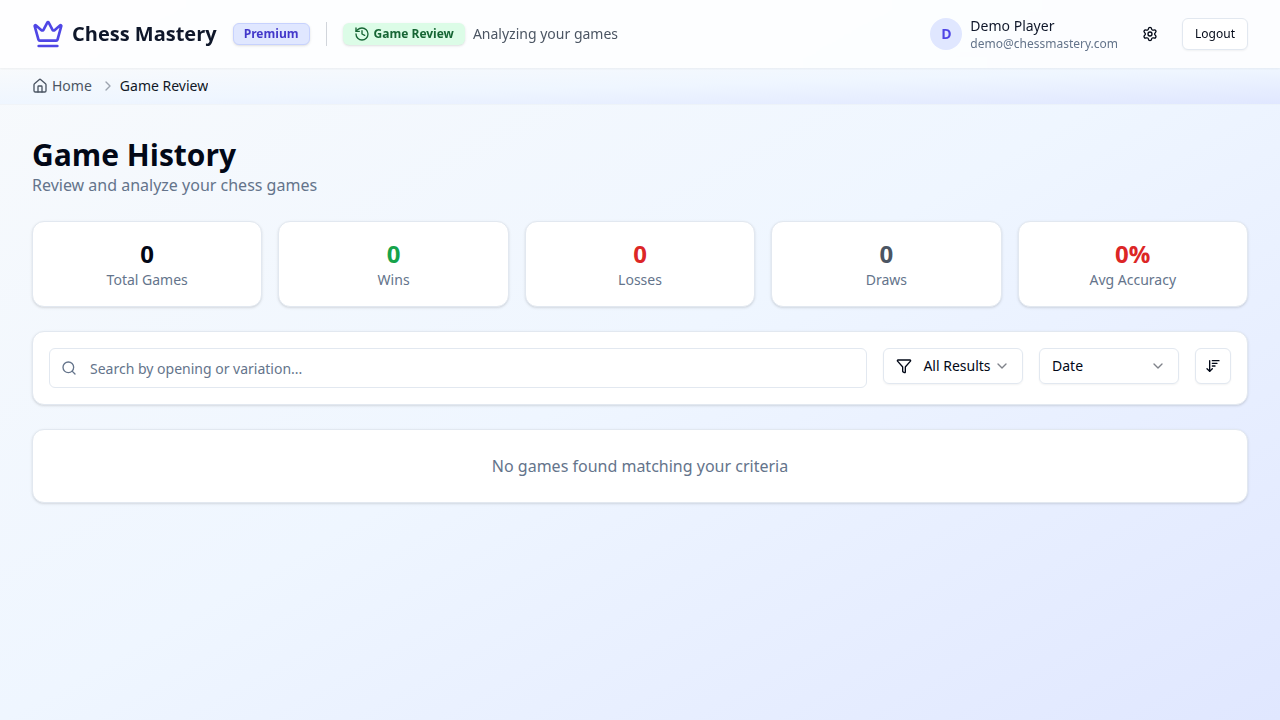
Navigate to /games. The Game History page lists all your completed games, showing:
- Date played
- Opening used
- Result (win / draw / loss)
- Your accuracy score
Navigating a Game
Use the controls below the board to step through moves:
| Control | Action |
|---|---|
◀◀ | Jump to start |
◀ | Previous move |
▶ | Next move |
▶▶ | Jump to end |
Evaluation and Annotations
At each position the review shows:
- Evaluation bar — who was winning at that moment
- Move annotation — whether the move was brilliant, good, inaccurate, or a blunder
- Engine suggestion — the best move that could have been played instead
Accuracy Score
Your accuracy score for the game is calculated from the average quality of your moves. High accuracy means you made moves close to what the engine would recommend throughout the game.