README
API Gateway Tutorial
A comprehensive, story-based tutorial for learning Kong API Gateway route management and API migration patterns.
Quick Start
Interactive Tutorial
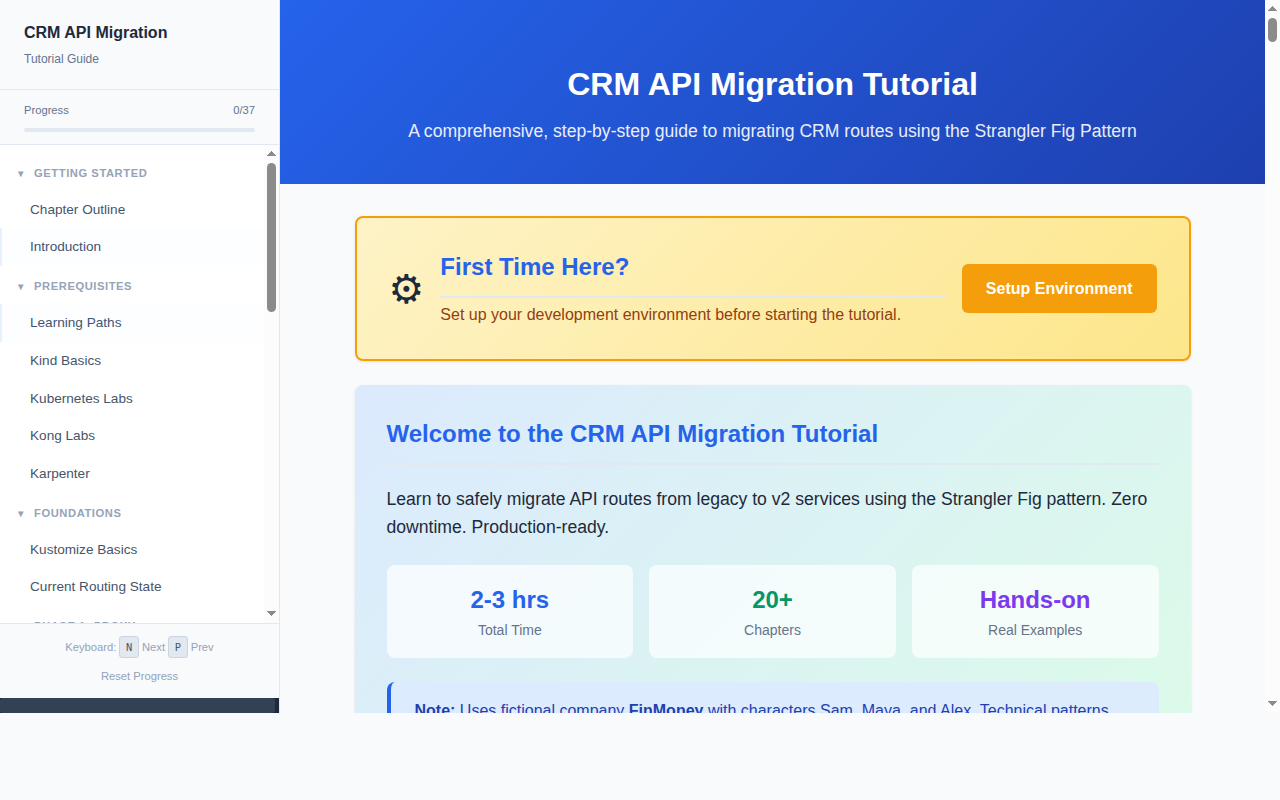
CRM API Migration Tutorial - A comprehensive, self-paced learning experience with 20+ chapters covering Kong Gateway configuration, Kustomize overlays, and the Strangler Fig migration pattern. Features syntax-highlighted code examples, interactive diagrams, and a local Kubernetes testing environment. Estimated time: 2-3 hours.
./run-tutorial.sh
# Open http://localhost:8001
Animated Presentation
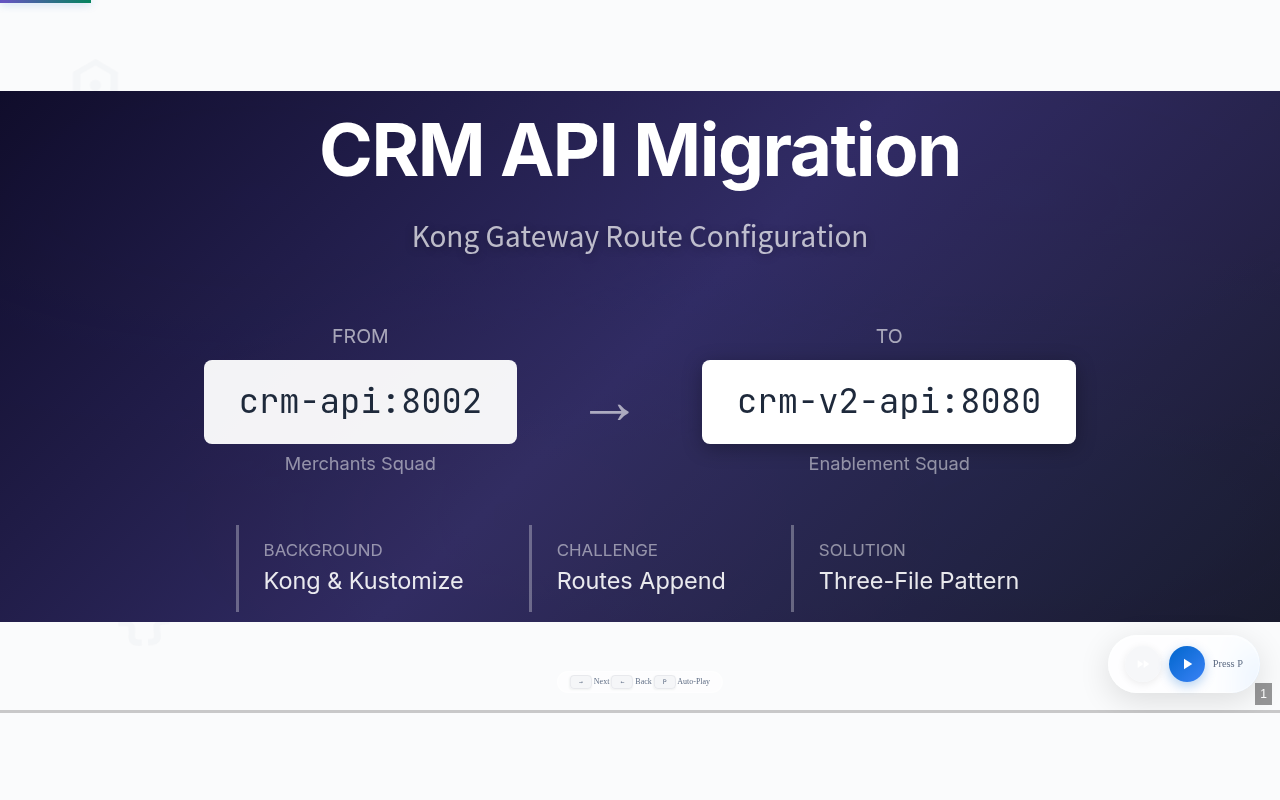
CRM API Migration Presentation - An interactive Reveal.js slide deck with D3.js animated diagrams showing the migration flow from crm-api:8002 to crm-v2-api:8080. Features speaker narration, auto-play mode, and visual explanations of route configuration changes.
./run-presentation.sh
# Open http://localhost:8002
Controls: Arrow keys to navigate, P for auto-play, N for narration.
Overview
This repository teaches:
- Kong API Gateway - Configuration and routing
- Kustomize - Kubernetes configuration management
- Strangler Fig Pattern - Safe, zero-downtime API migrations
- Local Kubernetes - Testing with Kind
- Observability - Prometheus, Grafana, and Zipkin
The Story
Follow Sam, a Platform Engineer at FinMoney, migrating CRM API routes from crm-api (legacy) to crm-v2-api (new) using the three-phase Strangler Fig pattern:
Repository Structure
apigateway/
├── run-tutorial.sh              # Start tutorial server (port 8001)
├── run-presentation.sh          # Start presentation server (port 8002)
├── run-all.sh                   # Run all validations and tests
├── images/                      # Screenshots
├── tutorial/                    # Interactive web tutorial
│   ├── index.html               # Main landing page
│   ├── server.py                # Python web server
│   ├── pages/                   # 20+ tutorial chapters
│   ├── local-testing/           # Local K8s environment
│   │   ├── setup.sh             # Create Kind cluster + Kong
│   │   ├── teardown.sh          # Clean up
│   │   └── mock-services/       # Mock CRM APIs
│   └── examples/                # Kustomize examples
│       ├── option1/             # Full migration
│       └── option2/             # Minimal migration
├── presentation/                # Animated presentation
│   ├── index.html               # Reveal.js slides
│   ├── diagrams-d3.js           # D3.js animated diagrams
│   └── audio/                   # Narration audio files
└── api-gateway-routes/          # Reference implementation
    └── kubernetes/              # Production-like configs
Tutorial Contents
| Chapter | Topic |
|---|---|
| 00 | Chapter Outline |
| 01 | Kustomize Basics |
| 02 | Current State Analysis |
| 03 | Option 1: Full Migration |
| 04 | Option 2: Minimal Migration |
| 05 | Change Request Process |
| 06 | Deployment with ArgoCD |
| 07 | Deployment Report |
| 08 | Phase 2: Comparison Mode |
| 09 | Phase 3: Cutover |
| 10 | Conclusion |
| 11 | Project Architecture |
| 12 | Kubernetes Fundamentals |
| 13 | Observability Stack |
| 14 | Log Differ Explained |
| 15 | Kong Deep Dive |
| 16 | Routing Patterns |
| 17 | Authorization & RBAC |
| 18 | Ubuntu Setup Guide |
Local Testing Environment
Set up a complete local Kubernetes environment:
cd tutorial/local-testing

# Install prerequisites (Ubuntu/Debian)
./ubuntu-prerequisites.sh --all

# Create local cluster with Kong
./setup.sh
Prerequisites
- Docker
- kubectl
- Kind
- Helm
- Kustomize
./tutorial/local-testing/ubuntu-prerequisites.sh --verify to check your setup.License
MIT